
Why Neo Feed?
Neo Feed reimagines your launcher’s feed experience with a privacy-focused, open-source RSS/Atom/JSON feed reader that seamlessly integrates with compatible Android launchers.
Built for users who value privacy and open-source software, it replaces proprietary feed services like Google Discover with customizable news sources you control, from casual readers seeking an ad-free experience to power users demanding full control over their content sources.
Features & Screenshots
Key Features
Feed Management
- Support for RSS, Atom, and JSON Feed formats
- OPML import/export for easy feed collection management
- Custom tagging system for feeds organization
- Offline-first architecture with cached content
- Configurable background sync intervals (30 minutes to 6 hours)
Reading Experience
- Clean, modern interface design
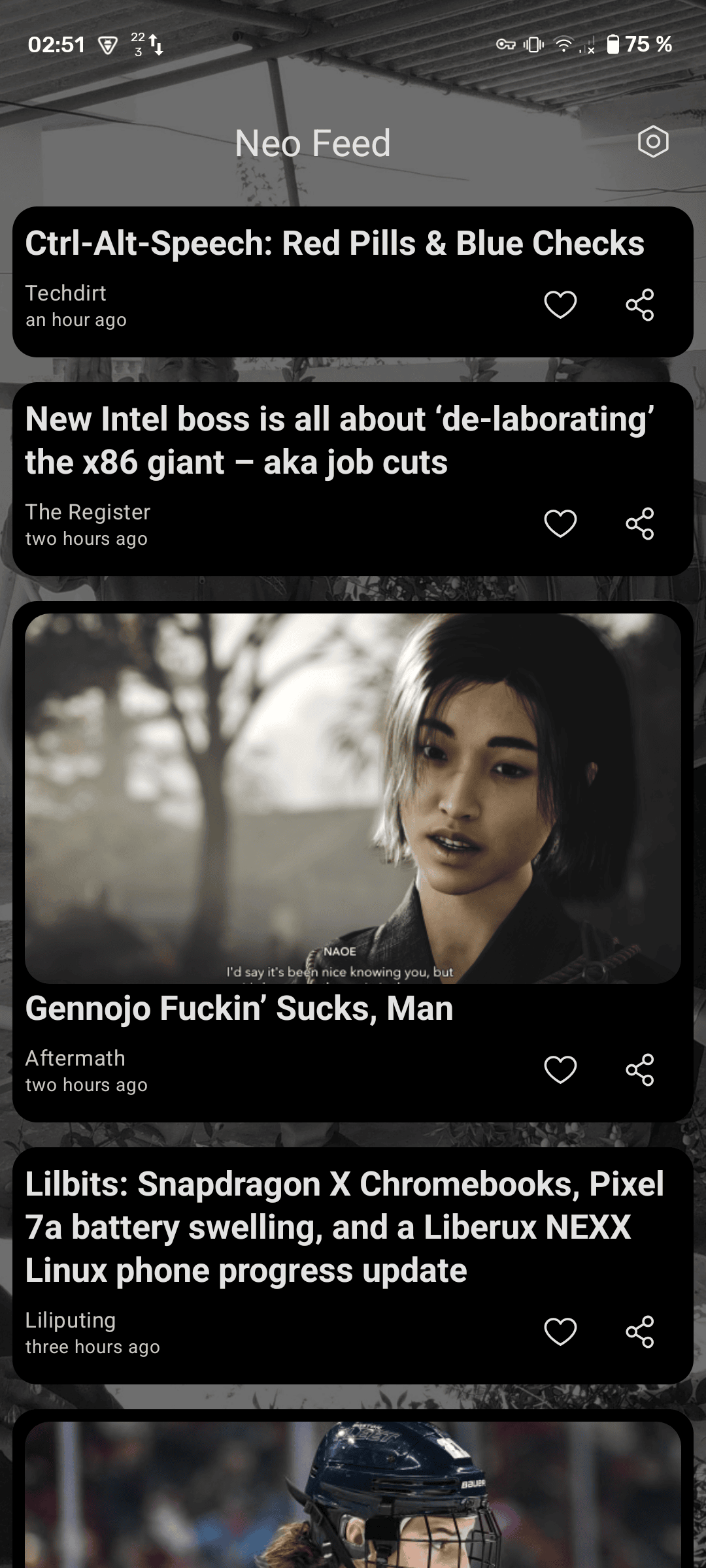
- Overlay service for native launcher feed experience
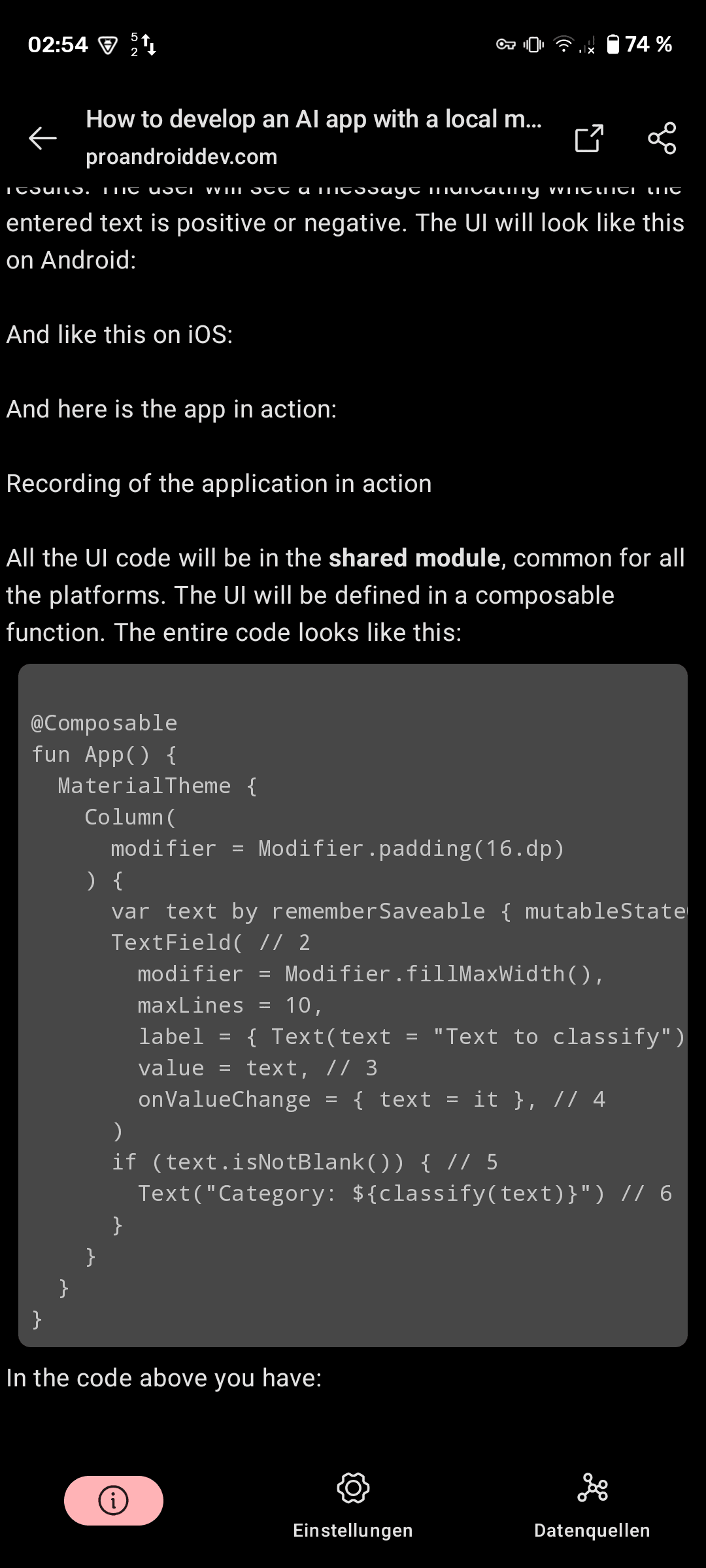
- Three reading modes: in-app reader, browser view, and offline reader
- Seamless integration with Neo Launcher, LibreChair, and Shade Launcher
- Wide screen support for tablets and TVs
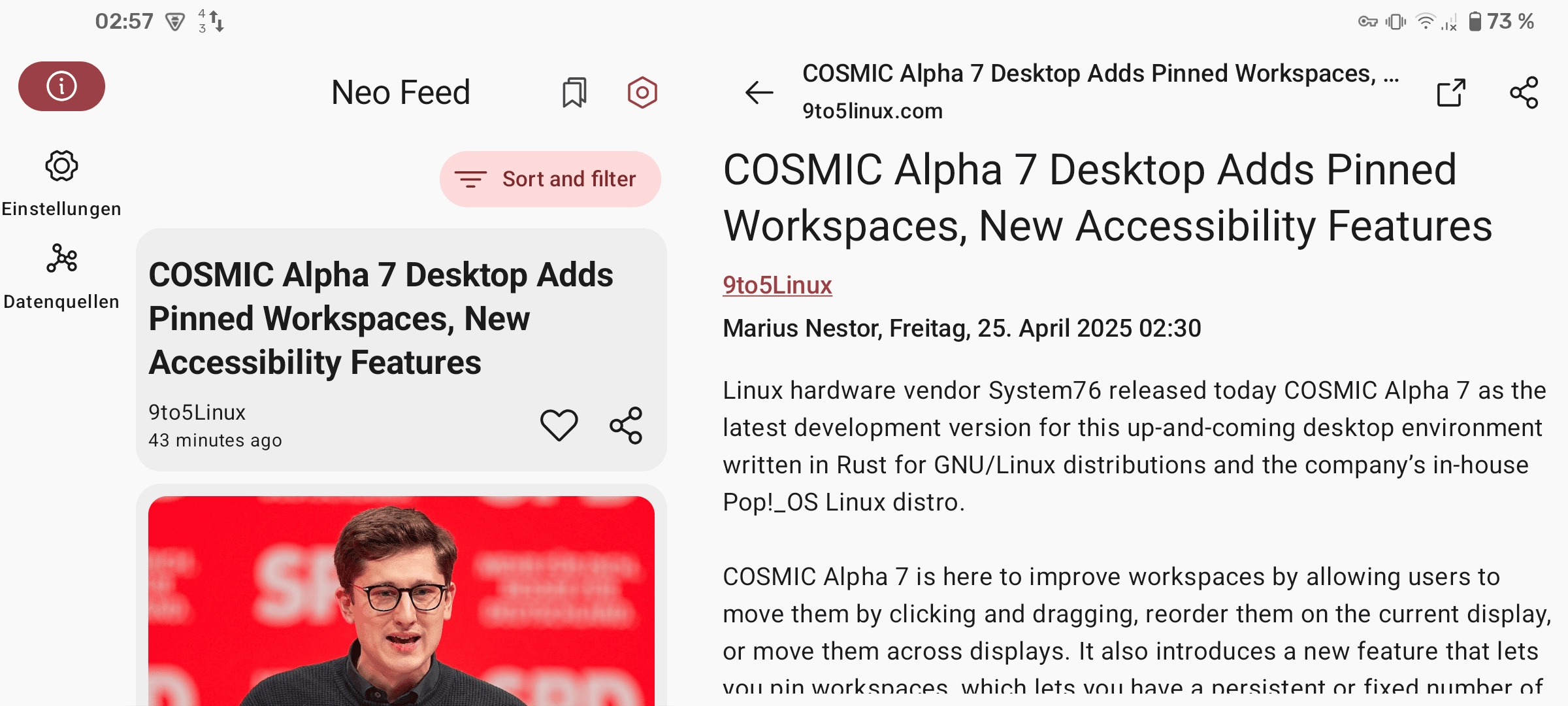
Screenshots
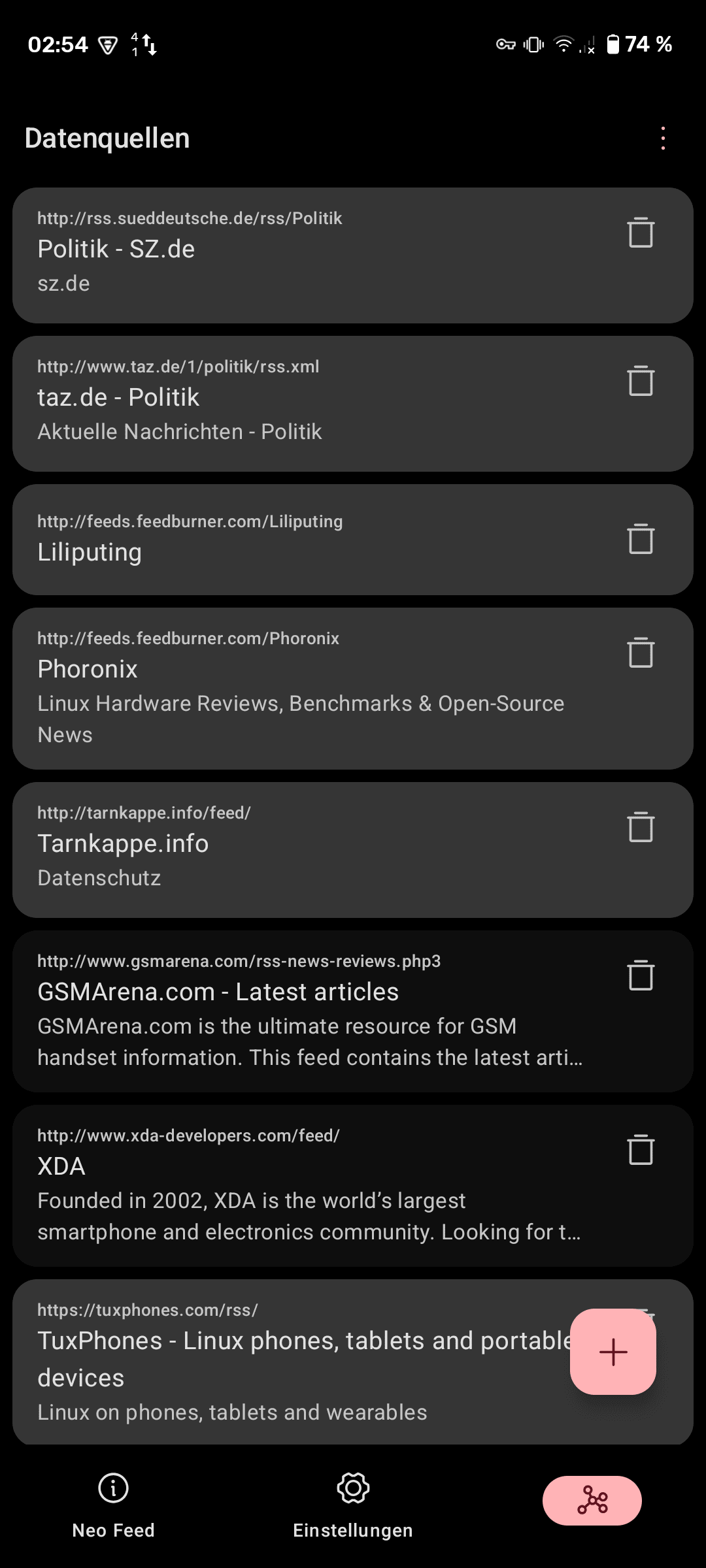
Experience Neo Feed’s clean interface and launcher integration.
| Launcher Integration | Local Reader | Feeds Customization |
|---|
| Wide Screen Support |
|---|
Getting Started
Installation
Recommended Methods:
- IzzyOnDroid (Recommended)
- Visit IzzyOnDroid repository

- Direct Download from release pages


System Requirements:
- Android 7.0 (SDK 24) or higher
- Optional: Compatible launcher (Neo Launcher, LibreChair, or Shade Launcher)
- Internet connection for feed synchronization
- Recommended: Android 12+ for Material You dynamic theming
Building from Source:
# Clone the repository
git clone https://github.com/NeoApplications/Neo-Feed.git
cd Neo-Feed

# Build using Gradle
./gradlew assembleRelease

# Install on device
adb install -r app/build/outputs/apk/release/Neo-Feed-*.apkFAQ
Which launchers are compatible with Neo Feed? Neo Feed works with any launcher that supports custom feed providers, including Neo Launcher, LibreChair, and Shade Launcher.
How do I add a new feed source? Open Neo Feed, navigate to the sources list, tap the add button, and enter your RSS/Atom/JSON feed URL. You can also import multiple feeds via OPML.
What’s the difference between the reading modes? The in-app reader displays articles within Neo Feed, the browser view opens links externally, and the offline reader downloads and caches full article content for reading without internet connection.
How often does Neo Feed sync my feeds? You can configure sync intervals from 30 minutes to 6 hours in the app settings. Background synchronization happens automatically based on your chosen interval.
Can I export my feed collection? Yes, Neo Feed supports OPML export, allowing you to back up your feed collection or transfer it to other RSS readers.
How do I report a bug or request a feature? Visit our GitHub Issues page or discuss in our community channels.
Get Involved
Communication Channels
Join our vibrant community to ask questions, share feedback, and stay updated:


Roadmap
Check our active development on GitHub to see upcoming features, current development priorities, community-requested enhancements, and opportunities to contribute.
Translations
Help make Neo Feed accessible to everyone! We use Weblate for community translations - you can translate strings directly in your browser, and contributions are automatically integrated.

New languages are always welcome! Even partial translations help make Neo Feed more accessible for the people that share your language.
Recognition & Credits
Special Thanks
iTaysonLab - Original developer of HomeFeeder , upon which Neo Feed is based.
FabianTerhorst - Creator of DrawerOverlayService , used as the base for our overlay service.
Helena Zheng & Tobias Fried - For the excellent Phosphor Icons that we use throughout the app.
Contributors
A huge thank you to everyone who has contributed code, design, translations, bug reports, and ideas:
License
Licensed under GNU General Public License v3.0 or later
Copyright © 2025 Saul Henriquez and Antonios Hazim
Direct adaptation/modification of HomeFeeder - respecting the copyleft spirit of open-source software.
Part of the Neo Applications collective - building open-source Android apps for everyone.